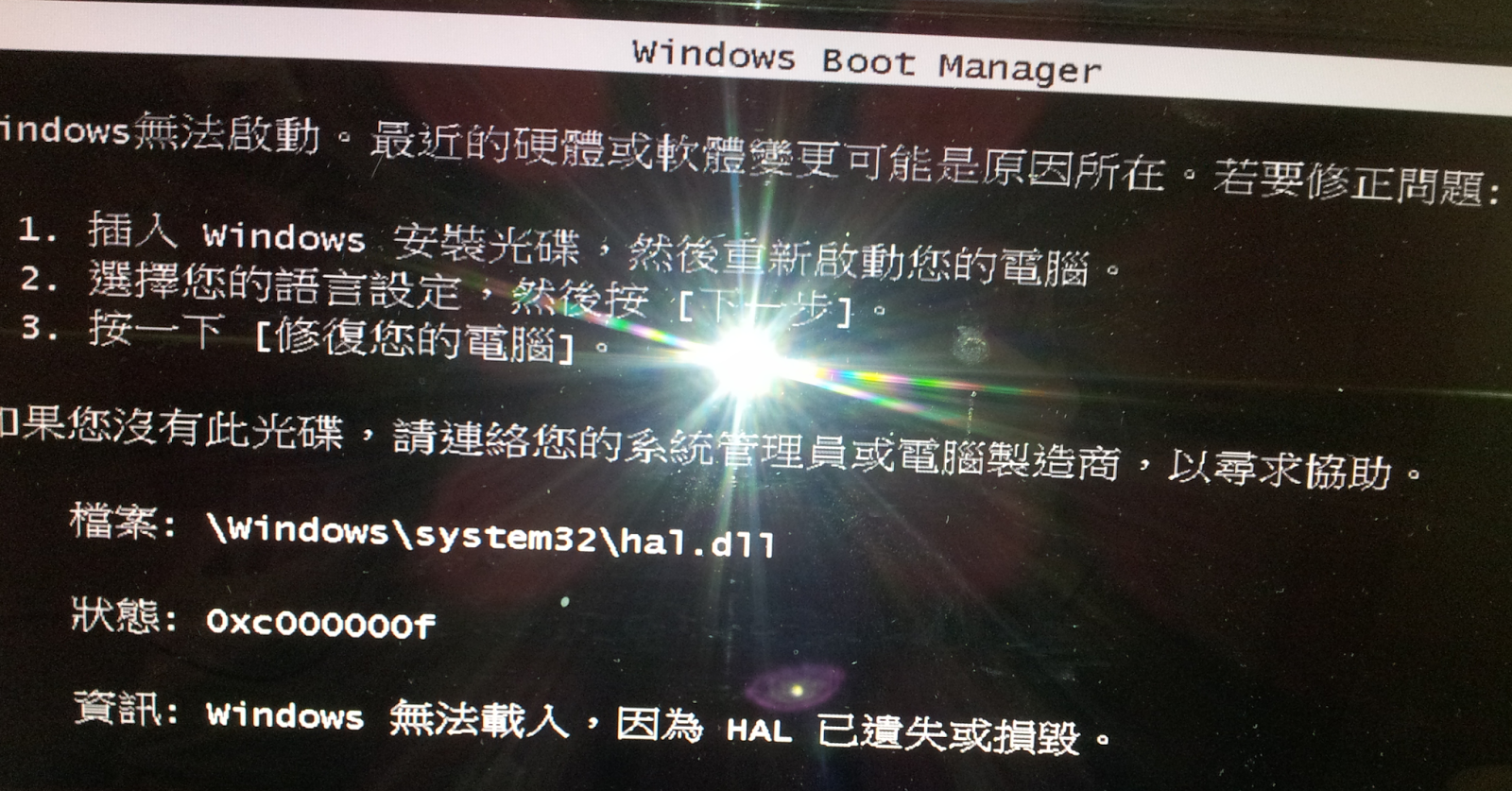
<div class="separator" style="clear: both; text-align: center;"><a href="http://3.bp.blogspot.com/-HzFcsLdUQTw/Uj6yLoYWyNI/AAAAAAAAAwo/2-lYgXy70Dg/s1600/%E6%9C%AA%E5%91%BD%E5%90%8D.png" imageanchor="1" style="margin-left: 1em; margin-right: 1em;"><img border="0" src="http://3.bp.blogspot.com/-HzFcsLdUQTw/Uj6yLoYWyNI/AAAAAAAAAwo/2-lYgXy70Dg/s640/%E6%9C%AA%E5%91%BD%E5%90%8D.png" height="332" width="640" /></a></div><a href="https://docs.google.com/file/d/0B75AIfbLCh_oSHJZZ3M2NDBpY1E/edit?usp=sharing" style="background-color: white; color: #33aaff; font-family: 'Trebuchet MS', Trebuchet, Verdana, sans-serif; font-size: 13px; line-height: 18px;"><span style="color: white;"></span></a><br /><a name='more'></a><br /><br />檔案:\windows\sysytem32\hal.dll<br /><br />狀態:0xc000000f<br /><br />資訊:windows 無法載入,因為 HAL 已遺失或損毀<br /><br /><br /><br />1. 將Windows 7安裝光盤放入光驅中,設置為從光盤啟動。<br />2. 但看到"Press any key to boot from CD or DVD …" 或“按任意鍵從光盤啟動”時,請快速按下鍵盤上任意一個鍵。<br />3. 選擇“修復計算機”<br />6. 最後點擊“完成”重新啟動計算機。